 iPhone & iPad
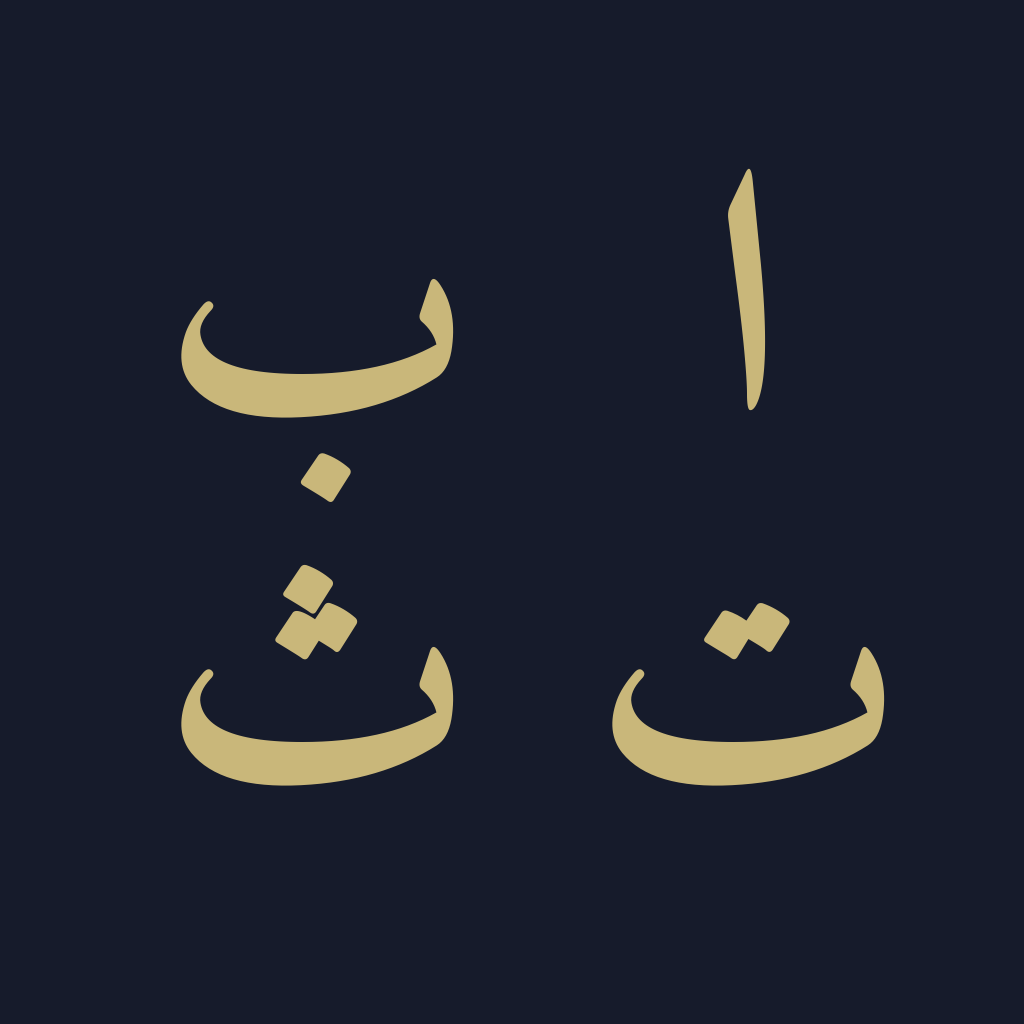
Letters that belong.
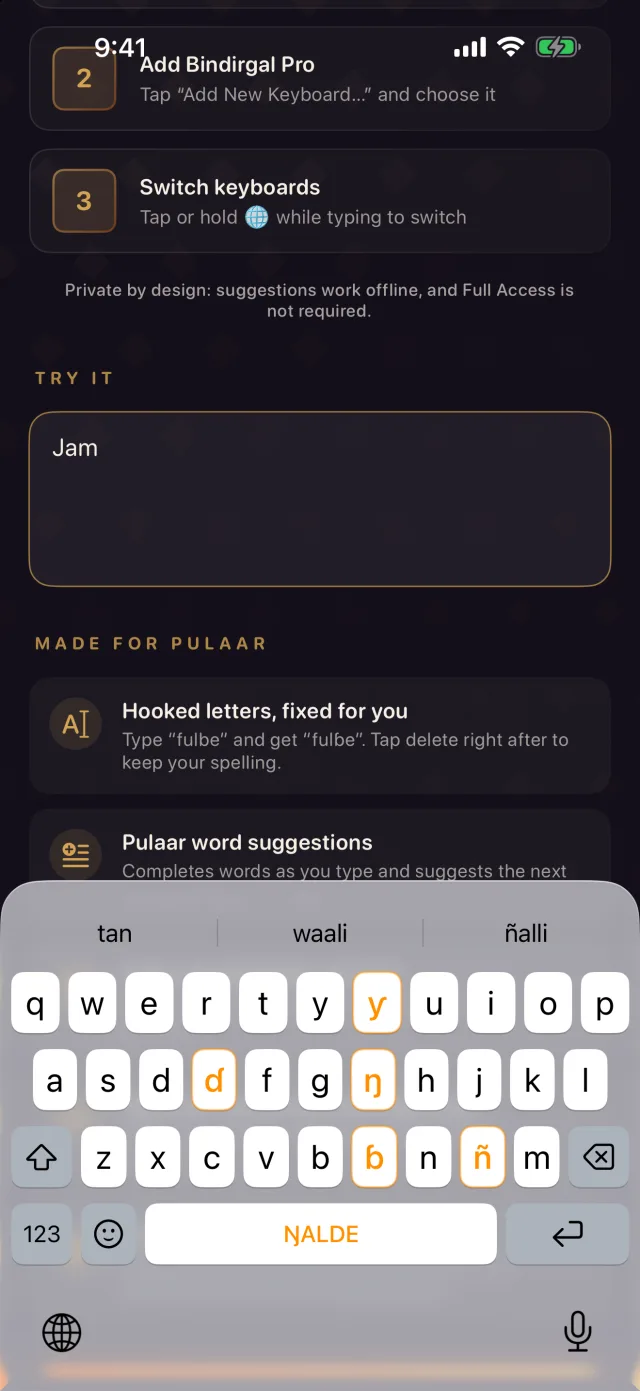
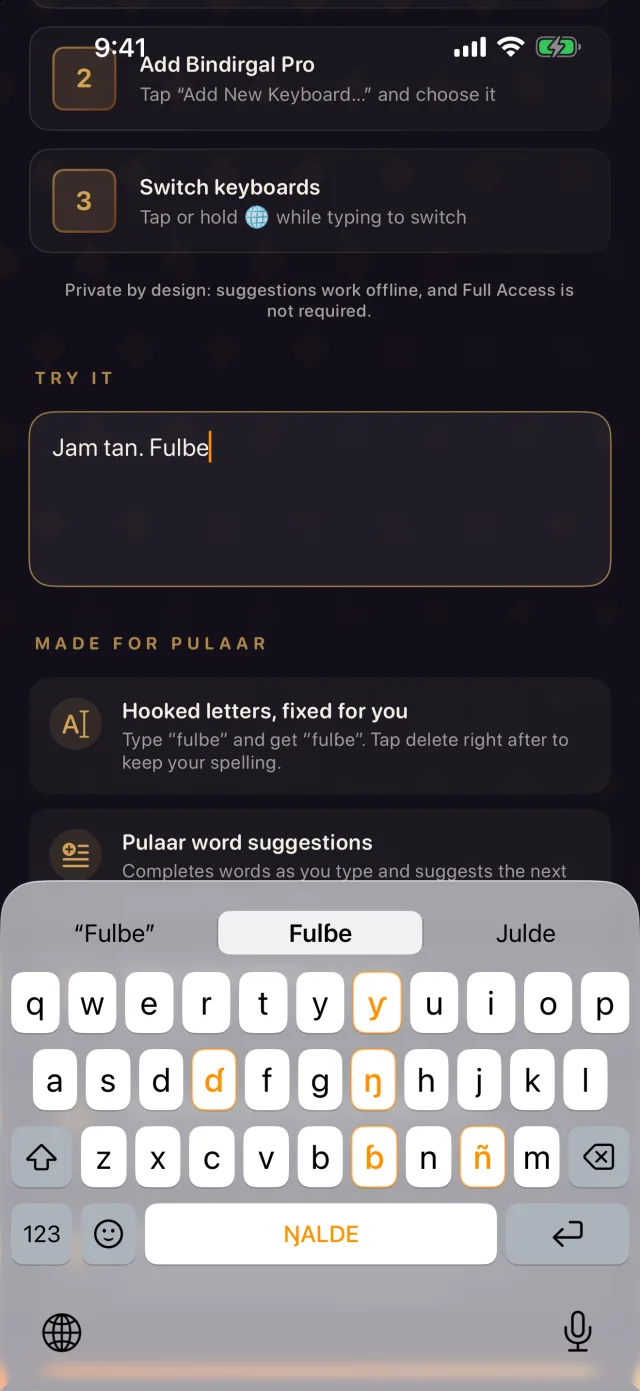
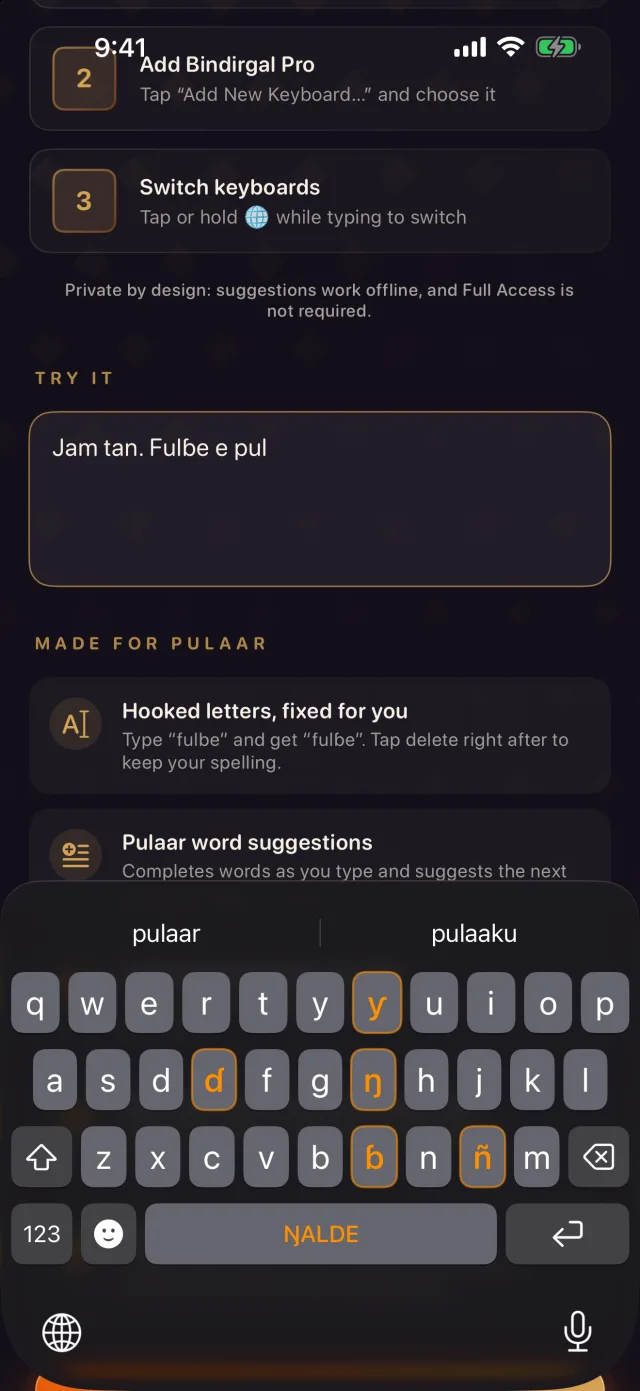
ɓ ɗ ŋ ñ ƴ sit on the main keyboard, highlighted so you find them instantly. Hold b, d, n or y for more.
 Explore the lab
LANGUAGE & EXPRESSION
 Bindirgal Pro KeyboardBY CHINGUETTI LABS
The keyboard made for Pulaar — ɓ ɗ ŋ ñ ƴ on the main keys, word suggestions as you type, and nothing you write ever leaves your phone.
THE IDEA BEHIND BINDIRGAL PRO
Writing in your own language should not begin with a workaround. Bindirgal Pro puts every Pulaar letter on the keyboard and understands Pulaar as you type — in WhatsApp, Messages, email, notes and anywhere else.
A keyboard is a small interface with an important role: it lets people carry their language into the digital spaces they already use. Pulaar (Fula, Fulfulde, Peul) deserves the same ease as any other language.
THE EXPERIENCE
ɓ ɗ ŋ ñ ƴ sit on the main keyboard, highlighted so you find them instantly. Hold b, d, n or y for more.
Type “fulbe” and get “fulɓe”. Tap delete right after to keep your own spelling.
Word suggestions as you type and next-word predictions — type “jam” and get “tan”, “waali”, “ñalli”. It learns the words you use, on your device only.
Works completely offline and does not ask for Full Access. Nothing you type is collected or sent anywhere.
BINDIRGAL PRO 1.3
Pulaar autocomplete, space-bar cursor, automatic capitals, West African flags and a “Try it” box to practise right after setup.
SET UP IN SECONDS
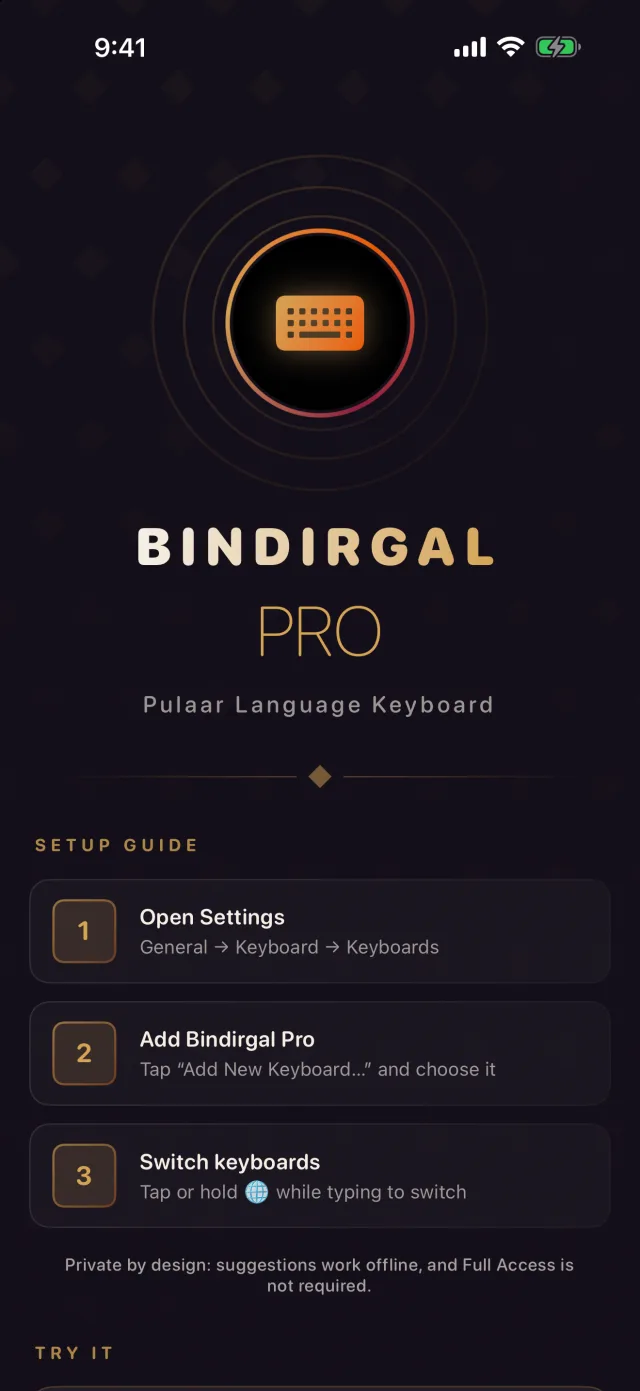
General → Keyboard → Keyboards.
Tap “Add New Keyboard…” and choose Bindirgal Pro.
Tap or hold the globe key while typing to switch to it.

From a family message to a new idea, expression starts with having the right letters.
Bindirgal Pro is on the App Store for iPhone and iPad as “Bindirgal Pro Keyboard”; version 1.3, with autocomplete, is in App Review. The Android version is on its way to Google Play. The App Store privacy label is “Data Not Collected”.
Support: info@chinguettilabs.com
MORE FROM CHINGUETTI LABS