Works with the cameras you have.
Brings RTSP cameras, DVRs and NVRs together, using each camera’s substream for small tiles and its main stream when it matters.
 Explore the lab
VMS · MAC SERVER
 VMS ServerPART OF CHINGUETTI LABS VMS
Recording, motion events, playback, the site map and a web console — running on your own Mac, with your footage staying on your own storage.
THE IDEA BEHIND VMS SERVER
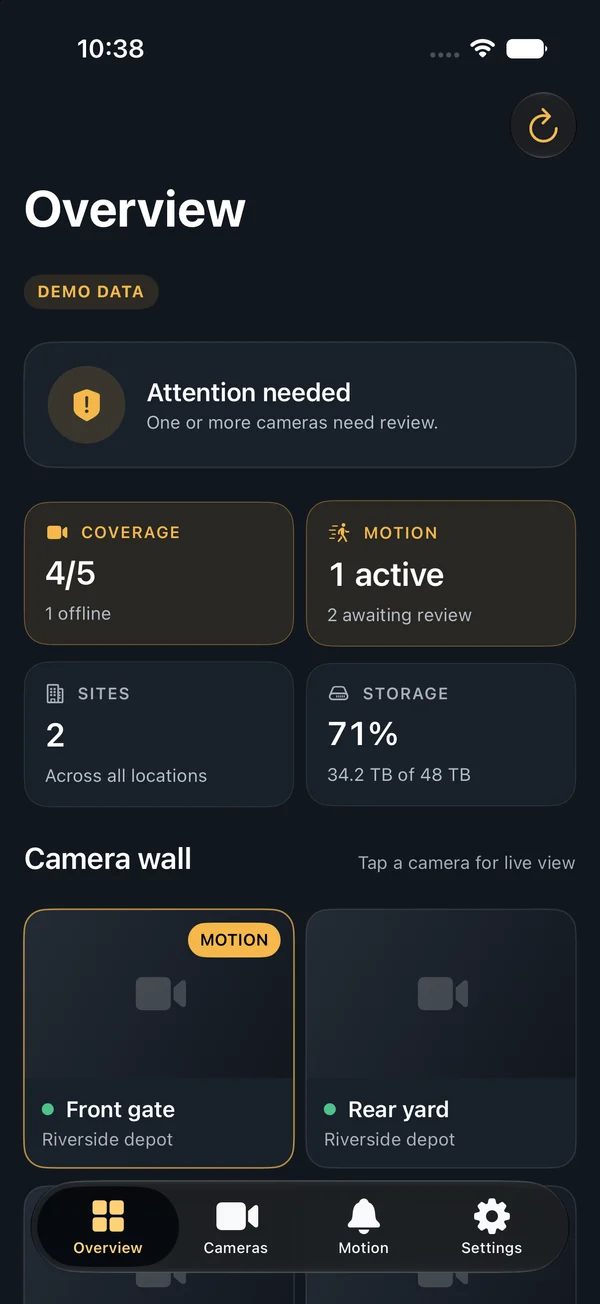
VMS Server runs on a Mac at the site. It records your cameras, detects motion, keeps the timeline, serves the web console and video wall, and is what the iPhone, iPad, Mac and Apple TV apps sign in to.
Keeping the server on hardware you own means your footage stays on your storage, under your retention rules. Private remote access lets the companion apps reach it without exposing cameras to the internet.
THE EXPERIENCE
Brings RTSP cameras, DVRs and NVRs together, using each camera’s substream for small tiles and its main stream when it matters.
Continuous recording, motion and tamper events, playback by time, snapshots and clip export.
The web console, video wall, site map and OPSEC Academy are served by the Mac itself — signed in, role-based and audited.
Signed and notarized by Apple, with a software bill of materials and a security gate on every release.

A server you can see on your desk is a server you can account for.
VMS Server for Mac is distributed directly as a signed, notarized app rather than through the App Store. Deployment requirements depend on the camera environment; contact VMS Support to request it. Subscriptions (Core or Pro, per recording Mac) are purchased at license.chinguettilabs.com.
MORE FROM CHINGUETTI LABS VMS